
Markdown without the friction

Write like a document.
Save as Markdown.

Spend less time looking at syntax and more time writing. Move naturally between semantic editing and source mode in the same .md file.

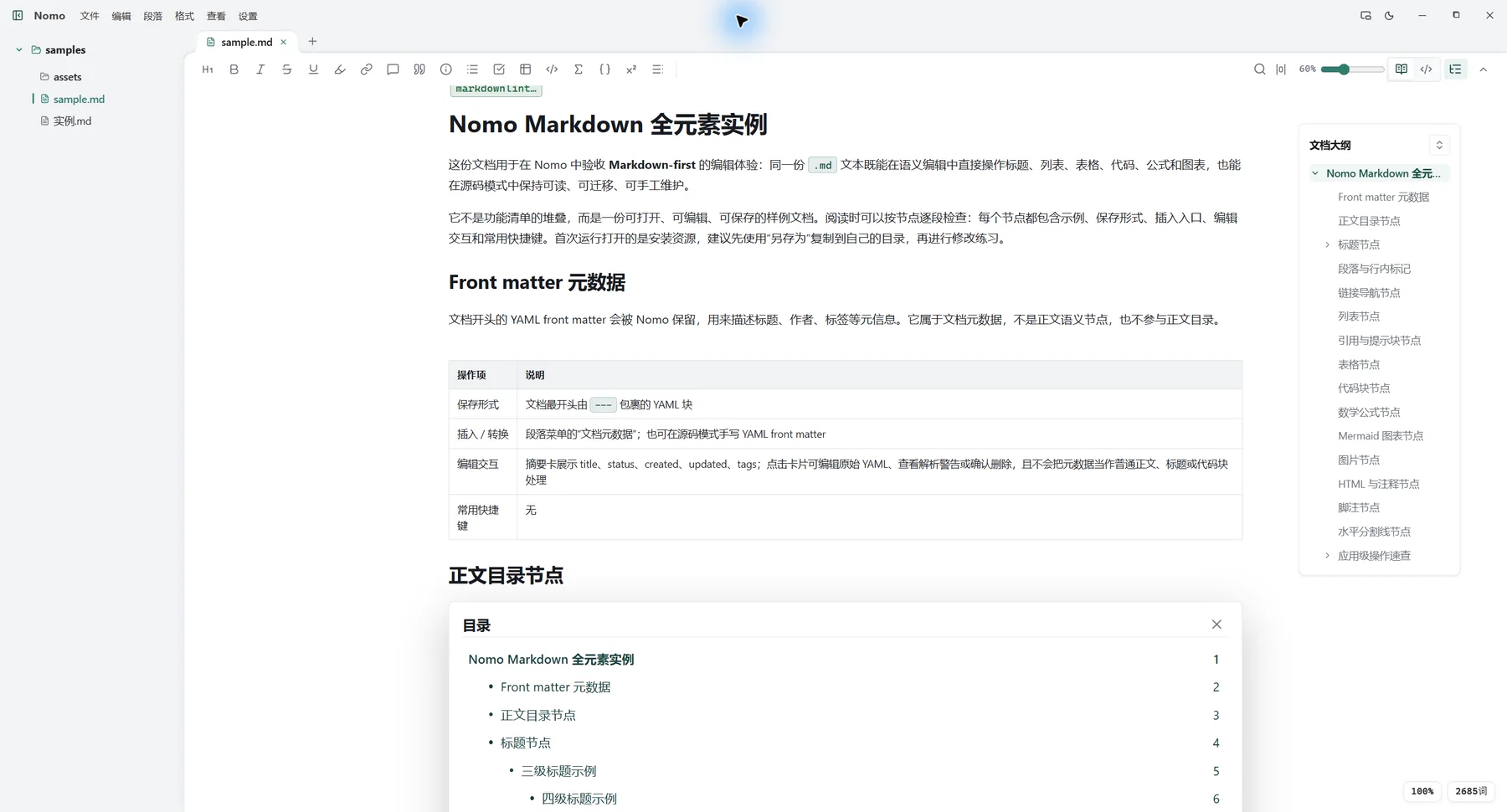
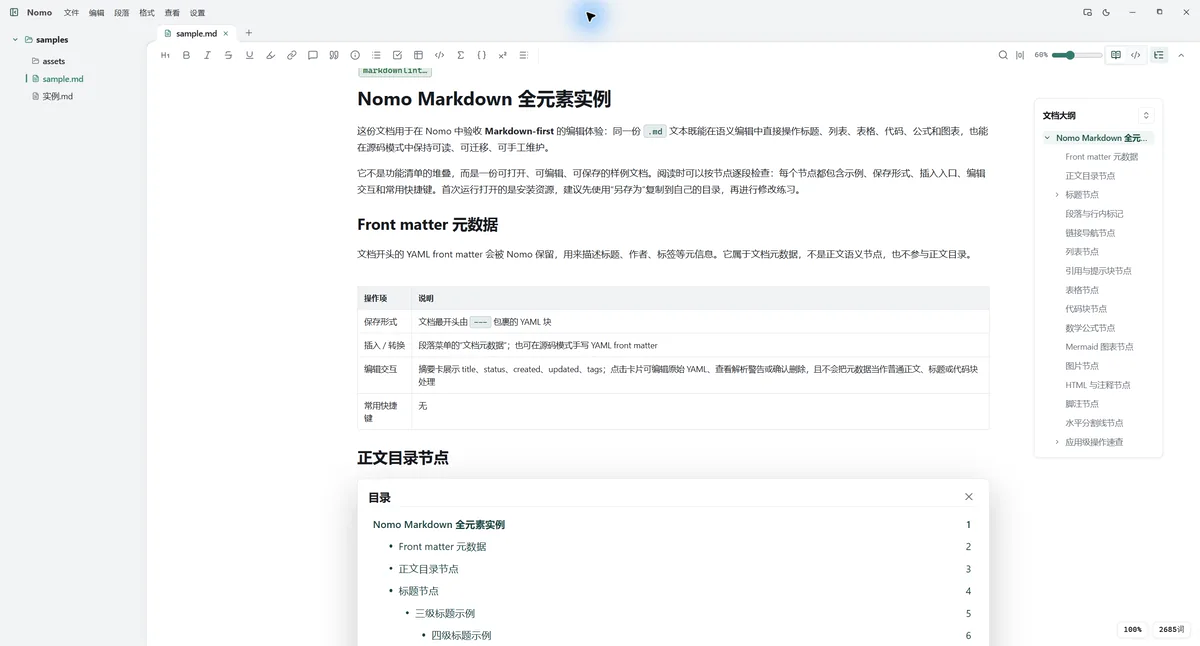
Nomo's semantic Markdown workspace with a file explorer, toolbar, document, and outline

Markdown stays. Syntax steps aside.

Edit headings, lists, tables, code, and diagrams directly. Switch to source mode whenever you need the raw text. Either way, you are always working with the same standard Markdown file.

While writing
Focus on your content like you would in any document
When needed
Inspect and maintain the Markdown source at any time
After saving
Keep it portable, versionable, and editable anywhere
Nomo switching between semantic editing and source mode in the same Markdown document Nomo's semantic Markdown editing workspace
One document, with semantic editing and source mode whenever you need them.
10 MB

Lightweight by design. Writing does not need another system.

The Windows installer is about 10 MB. Nomo opens quickly, stays out of the way, and is ready whenever you want to capture or refine an idea.

A modern editing experience, built around your files.

No account and no new content silo. Nomo brings essential tools into a familiar desktop workflow.

Local first

Your files stay in your hands

Open local Markdown, TXT, and JSON files directly. Autosave, pre-save snapshots, and external change alerts help keep every edit safe.

Folder Nomo .md

Beyond short notes

A clear path through long documents

Document outlines, section reordering, find and replace, and reading-position recovery keep you oriented as your writing grows.

Ready to share

From Markdown to a finished document

Export to HTML or PDF with support for code, math, Mermaid diagrams, and local images.

Made for writing on the desktop.

Available for Windows and macOS. Folders, tabs, compact windows, and system integration make Markdown a natural part of your everyday workflow.

Windows macOS

Open source and evolving

Transparent software. Portable files.

Nomo's source code is available on GitHub. Follow development, report an issue, or continue editing your Markdown with any other tool at any time.

View on GitHub

Open a Markdown file and start writing.

Lightweight, modern, and frictionless. Nomo is available for Windows and macOS.

Download Nomo